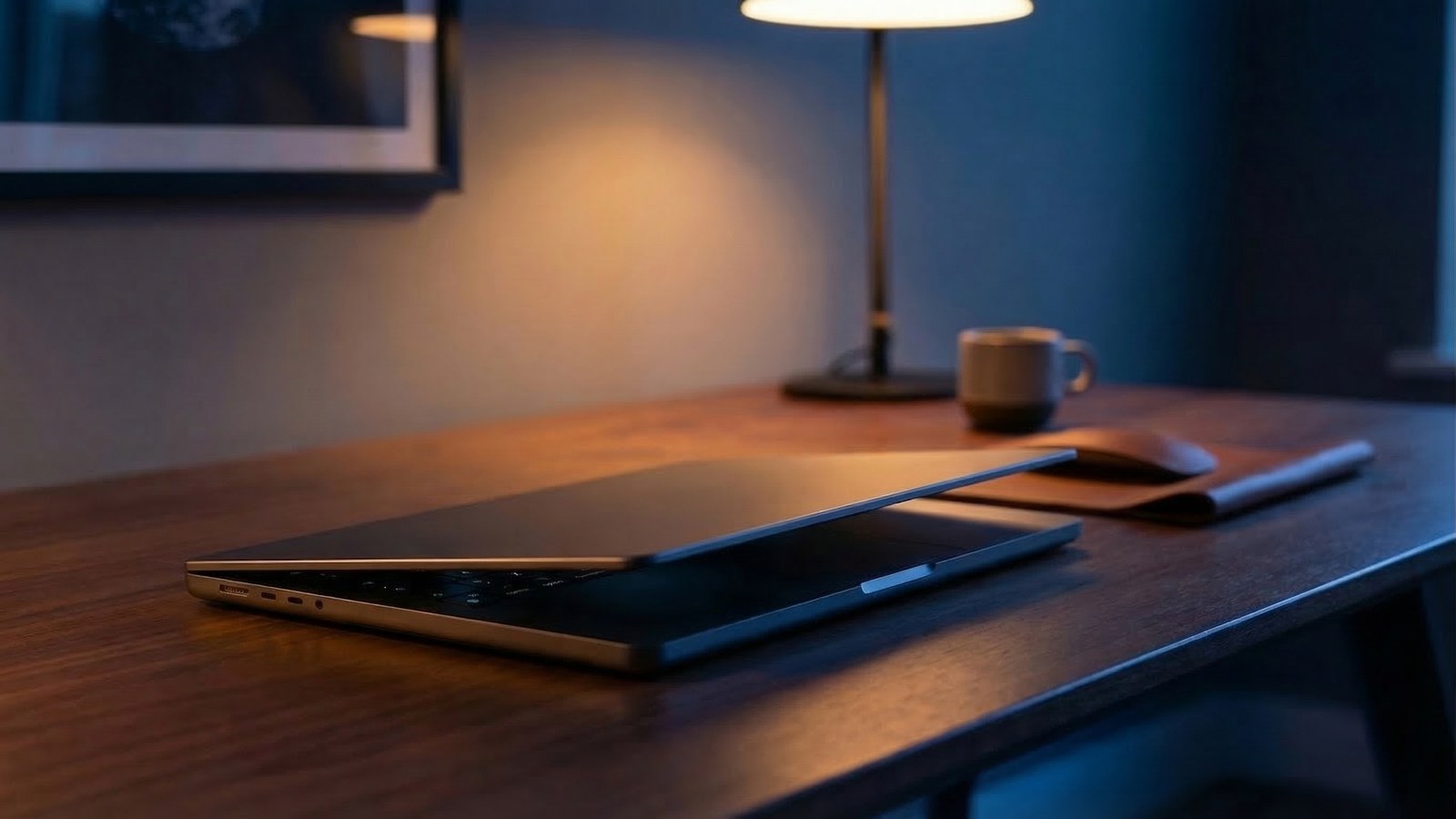
A lot of people ask the hardware question the wrong way. They ask which machine is the most powerful, when the better question is which machine gives OpenClaw the least friction.
For most OpenClaw setups, the bottleneck is not raw benchmark power. It is install reliability, always-on stability, battery, noise, portability, and whether you can get the whole thing working cleanly without burning a weekend on setup weirdness.
That is why the new MacBook Neo stands out. It is not the most extreme machine Apple makes. It is the best balance of price, efficiency, portability, and setup sanity for people who want OpenClaw working properly fast.
The short version
- OpenClaw usually benefits more from reliable hardware than from monster specs.
- MacBook Neo is cheap enough to justify as a dedicated agent machine.
- Apple silicon efficiency means low heat, low noise, and long battery life.
- macOS is usually a lower-friction OpenClaw setup path than typical Windows laptops.
- If you are running heavy local image or video generation all day, buy a different box. For most hosted-model or light local AI setups, MacBook Neo is a very strong default.
What OpenClaw actually needs from hardware
OpenClaw is not the same as building a giant local AI workstation. A sensible OpenClaw setup often uses a mix of web tools, browser automation, messaging connections, background jobs, and cloud or API-based models.
In that kind of setup, the machine matters less for absolute GPU bragging rights and more for these boring but important things:
- it stays stable for long sessions
- it does not get loud or hot
- sleep, networking, and browser behaviour are predictable
- you can carry it to a client or keep it on a desk
- it survives brief power interruptions without instantly dying
- you are not fighting the operating system during setup
That is a much more MacBook Neo-shaped checklist than most people expect.
1. The price makes it realistic as a dedicated OpenClaw machine
Apple launched MacBook Neo at a much lower entry price than the rest of the Mac laptop line. That matters because OpenClaw is much easier to justify when the hardware does not feel like an exotic purchase.
A lot of teams do not need a top-end MacBook Pro just to run an AI agent stack. They need a machine they can dedicate to the job without feeling silly. MacBook Neo finally makes that conversation easier.
It lands in a sweet spot: better build quality and lower setup pain than the usual cheap laptop route, without forcing you into a much more expensive pro machine.
2. Apple silicon is a better OpenClaw experience than it looks on paper
On paper, people love comparing chips. In practice, OpenClaw users care about something simpler: does the machine feel calm, fast, and dependable while multiple things are happening at once?
MacBook Neo uses Apple silicon, which usually translates into the exact qualities that matter here:
- instant wake
- excellent battery life
- very good performance per watt
- less thermal drama
- silent or near-silent day-to-day use
If your agent is sitting there with a browser open, background jobs running, integrations connected, and periodic user actions happening throughout the day, that efficiency matters more than a spec-sheet flex.
3. macOS usually means less setup friction than Windows
This is the biggest practical reason. Not the most glamorous one, but the one that saves the most time.
Windows can absolutely run OpenClaw. But Windows setups are where people repeatedly hit PATH problems, Node version confusion, PowerShell differences, antivirus interference, and other small bits of pain that stack up fast.
On macOS, the path is usually cleaner. Terminal behaviour is more predictable, browser tooling is more straightforward, and the overall setup tends to feel closer to the environment most guides assume.
That does not mean every Mac setup is perfect. It means the odds of getting OpenClaw working properly in one clean pass are just better. If you care about speed to working system, that matters a lot.
4. It is genuinely portable without being flimsy
OpenClaw hardware is often treated like a machine that only ever sits on a desk. But in real life, portability helps.
- you can set it up at home, then bring it into the office
- you can take it to a client install or handover session
- you can test browser flows and messaging in more than one environment
- you have a built-in battery instead of relying on a tiny UPS plan later
That last point is underrated. A laptop is not a full power-backup strategy, but it is much better than a cheap desktop that dies the second the power flickers.
5. It is powerful enough for the OpenClaw setups most people should start with
Most people should not begin with an overcomplicated local-AI science project. They should begin with a useful OpenClaw setup: email, calendar, browser actions, reminders, messaging, and a small number of high-value workflows.
For that, MacBook Neo is more than good enough.
If your plan is to call hosted models, use browser automation, and run the agent stack itself cleanly, MacBook Neo is a sensible fit. If you want some light on-device AI help too, Apple silicon is a nice bonus.
The mistake is assuming you need workstation-class hardware on day one. Usually you do not. Usually you need the machine that gets you from "interesting idea" to "working agent" with the least resistance.
Where MacBook Neo is not the best choice
There are clear cases where I would not call it the best:
- you want heavy local image or video generation as the main workload
- you want a machine that never leaves the rack or office shelf
- you want a dedicated multi-user server rather than a personal agent box
- you need more headroom for local models than an entry machine gives you
In those cases, I would look at a Mac mini, a more powerful Mac, or a separate GPU desktop depending on the job. But that is a different question from what most people actually need when they say they want to run OpenClaw.
How I would buy it for OpenClaw
If I were buying a MacBook Neo specifically for OpenClaw, I would think about it like this:
- treat it as a dedicated or semi-dedicated agent machine
- keep the setup simple and focused on real workflows first
- prefer more memory if Apple offers it and the budget is fine
- leave the machine plugged in when it is acting as an always-on box
- configure sleep settings properly so the agent does not disappear overnight
That gives you the biggest upside: low hardware cost, low setup pain, and a machine you can actually live with.
Final takeaway
If you want the best pure-value OpenClaw hardware right now, MacBook Neo has a very strong case.
Not because it is the fastest machine on earth. Because it gets the important stuff right: price, battery, silence, portability, Apple silicon efficiency, and a setup path that is usually much less annoying than the average Windows laptop route.
For most people trying to get OpenClaw working properly, that is the real definition of "best". If you want help choosing hardware or getting OpenClaw installed cleanly, book a call and I can tell you whether MacBook Neo is the right fit or whether you actually need a different setup.